Build log · Portfolio & Tools
How I built Terminal
A command-line version of my portfolio with a fake filesystem, themes and an AI fallback
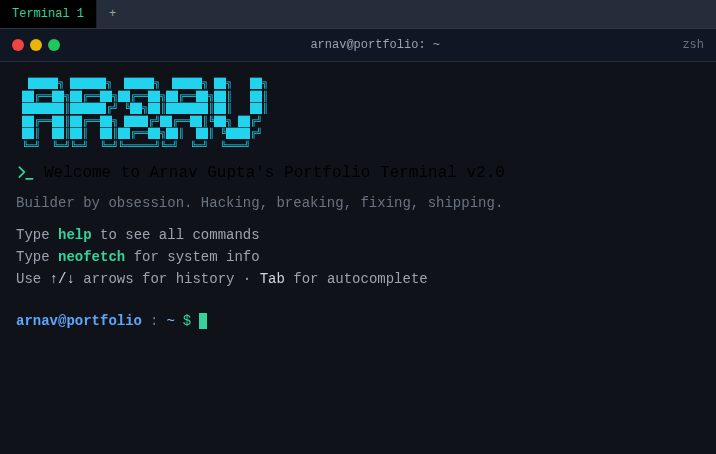
1.Why I built it
The terminal was one of the first alternate modes of my portfolio, alongside the GUI and the 8-bit game. It lets people browse my background the way a developer would, with commands like about, projects and experience, and with familiar tools like ls, cd, cat and grep working over my portfolio data.
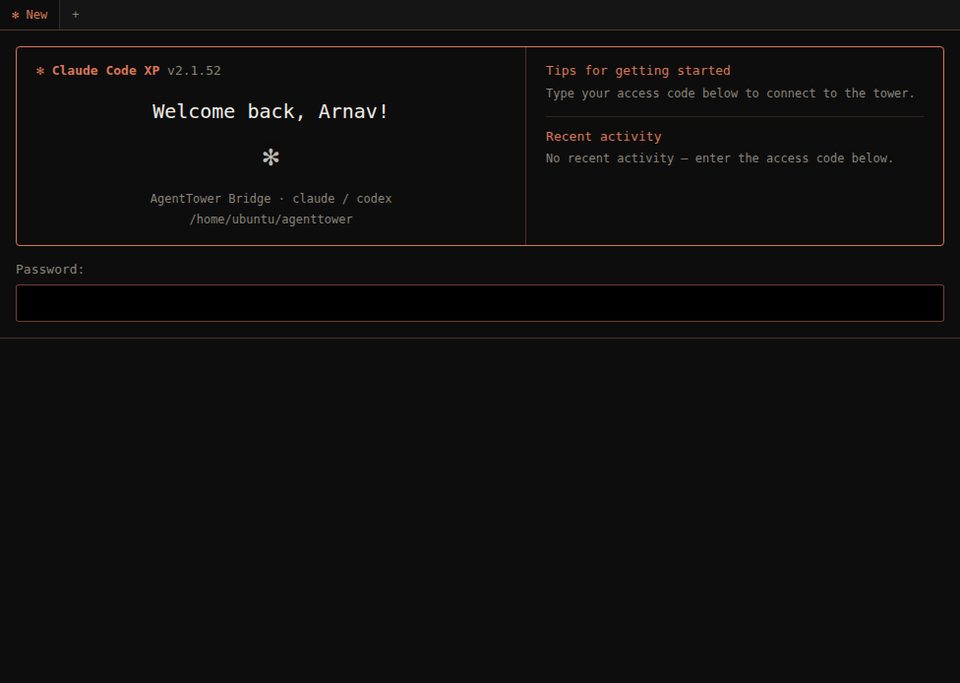
Over time it picked up a fake filesystem, themes, ASCII art, an AI fallback for plain-English questions, multiple tabs, and an agenttower command that opens my real Claude Code and Codex sessions.
2.How it works
A filesystem generated from portfolio data
The filesystem is a plain object mapping directory paths to file lists. The home directory has fixed files like about.txt, skills.txt and a hidden .secret, while ~/projects and ~/experience are generated from the same data file that drives the rest of the site, slugifying each project name into a .md file and each company into a .log file. Adding a project to the data automatically adds a file to the terminal.
Commands such as ls, cd, cat, tree, head, tail, wc, find and grep all resolve against that map. Commands that would modify things, like mv, touch and rm, answer with read-only filesystem jokes.
Command dispatch and tab completion
Commands are handled by one dispatcher that matches the first word and appends rendered React output to a scrollback array. A list of every command name drives autocomplete. Pressing Tab filters the list by prefix; one match completes it, several matches are reduced to their longest common prefix and printed as options. For arguments it completes file and directory names from the current directory, and theme names for the theme command.
History is an array plus an index that up and down arrows move through. The input is refocused whenever output changes, so you never have to click back into it.
Themes and an AI fallback
Themes are Tailwind class sets for background, text, prompt and accent colours, with options like Dracula, Monokai, Nord, Solarized and Retro Amber, so switching theme is just swapping which set is applied.
Anything that isn't a known command is treated as a natural-language question. It is added to a running chat history and sent, with a system prompt describing me, to the portfolio's /api/ai route, which calls the OpenAI API. Follow-up questions keep their context, and a visitor who types a question instead of a command still gets an answer.
Tabs and the agenttower command
Each tab is a fully independent terminal instance. All tabs stay mounted and inactive ones are hidden, so switching keeps command history, the current directory and any open agent session exactly as left. New tabs open with the + button or a best-effort Ctrl+T or Cmd+T, which most browsers reserve for their own new tab.
The agenttower command lists real Claude and Codex sessions and lets me send messages into them, styled like the Claude Code CLI. Requests go through server-side proxy routes so the backend address never reaches the browser, and the password prompt masks input inside the terminal itself instead of using a native password field.
3.Try it
Type help to see commands, use the up and down arrows for history, Tab to autocomplete, and + to open a new tab.